Rate Table
Rate Table provides time based variables for the price/cost
calculations, using the rate table variable types.
The rate table values can be entered via the Rate Table Data
form.
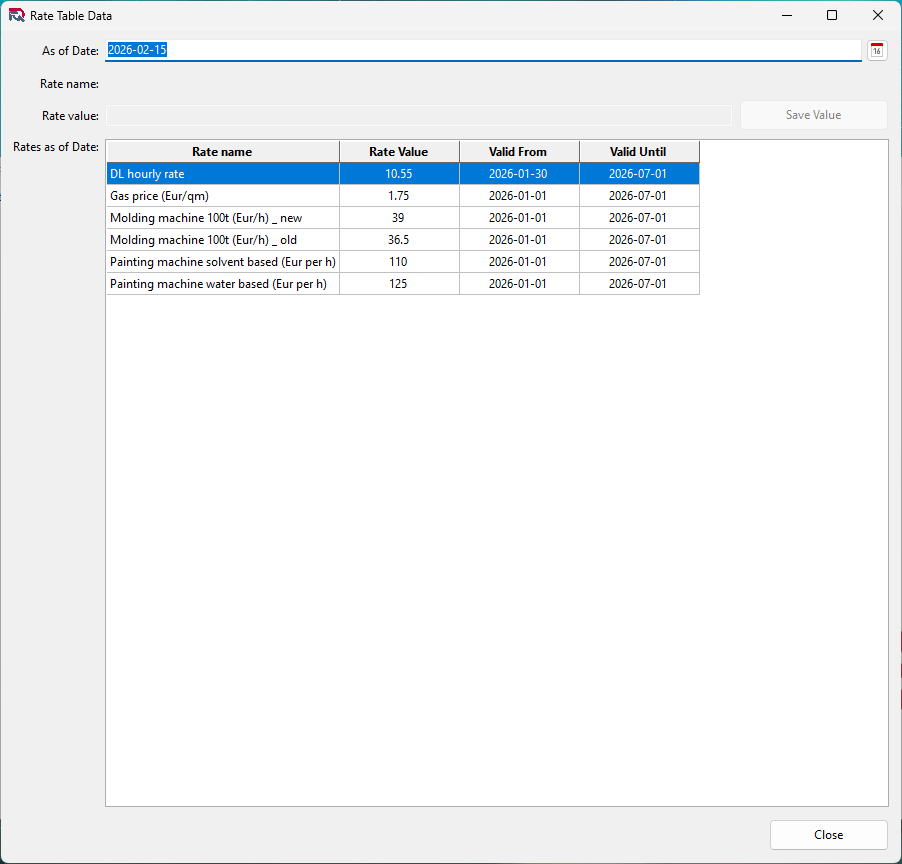
Entering rate values
Rate values must be entered with the starting date of the
rate. To enter the value, select the rate from the list and
double click on it. The name and rate will appear at the top
of the form. If the As of Date need to be change, you can
change it before you save it. You cannot delete a rate value,
but you can set it to the same as the previous or the next if
by mistake a wrong date is used.
When you enter a new value, the application will change the
Valid From and Valid Until dates, based on the As of Date. It
will change all related Valid From and Valid Until dates of
the already entered rates.